[Pricing] Clipchamp: Is the Free Plan Enough, or Does Premium Fix a Real Problem?
- Free tier: Yes
- Cheapest paid plan: US$11.99/mo and up
- Free quota: Free export of up to 1080p Full HD watermark‑free videos, unlimited …
- Last checked: 2026-11-15
Article last updated: 2026-11-19



Most people don’t need to pay for Clipchamp. That’s my angle here, and the rest of the piece tests it.
Clipchamp is Microsoft’s browser-based video editor. It’s built for quick, simple edits, with AI tools for voiceovers and captions. The free version is unusually generous. The paid version is a single plan. So the real question isn’t “which tier?” It’s whether any one of Premium’s extras solves a problem you actually have.
Here is what each side gives you, and where the line sits.
What the free plan gives you
Start with the part that matters most: you can export videos in up to 1080p Full HD without a watermark. Many free editors stamp their logo on your export or cap your resolution. Clipchamp’s free plan does neither, according to its official site.
You also get no limit on how many videos you make. There is no monthly project count to watch.
The free plan includes these tools:
- Basic AI voice generation. This is text-to-speech: you type a script and the tool reads it aloud in a synthetic voice.
- AI auto captions. The tool listens to your audio and writes subtitles for you.
- Silence removal. It cuts the dead air out of a recording, which saves time on talking-head clips and screen recordings.
- A free stock library. This is a collection of ready-made footage, music and images you can drop into a project.
For a lot of work, that’s a full toolkit. A product demo, a school project, a social clip, a tutorial: all of these fit inside it.
One caution. The data we hold says the free allowance is what the official site showed on the day the tool was added to our database. Terms can change, and the vendor’s page is the final word. We also did not verify the commercial-use terms of the free plan. If you plan to use videos for paid client work, read Microsoft’s terms yourself before you rely on the free tier.
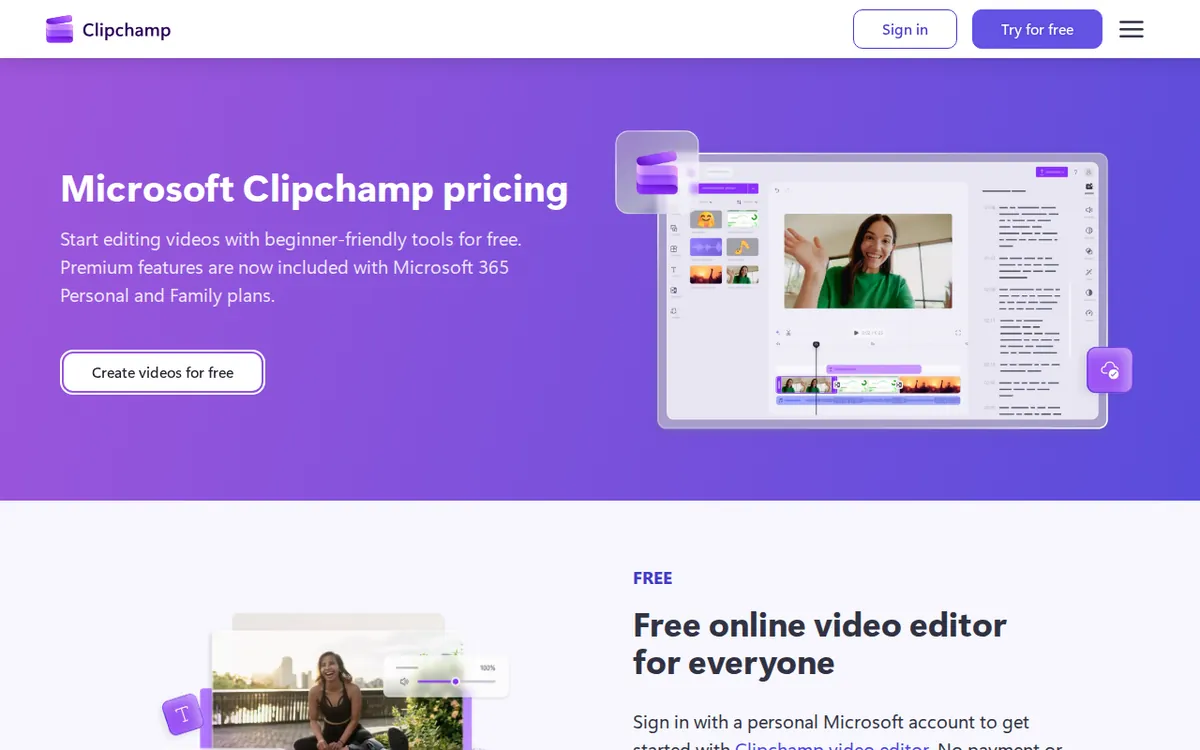
Figure: clipchamp.com official pricing page, captured 2026-11-19.
What Premium adds, and what it costs
Premium has one price point in our data. The monthly price is US$11.99. The official page also lists a yearly price of about US$99 a year. We have no other yearly figure, and no other paid tier, so we can’t tell you how much the yearly option saves. The plan is labeled “Standalone”, meaning it’s sold on its own.
Prices vary by country. We checked from Taiwan, so your local price may differ.
Premium unlocks five things:
- 4K UHD export. 4K is four times the pixel count of Full HD. It matters if your video will play on large screens or you need to crop in without losing sharpness.
- The full premium stock library. The free plan has a free library. Premium opens the complete set of licensed footage and audio.
- Advanced filters and effects. These are the more polished visual treatments beyond the basic set.
- Brand Kit. This stores your logo, colors and fonts so every video matches your brand without rebuilding the look each time.
- OneDrive cloud backup for projects. Your project files are saved to Microsoft’s cloud storage, so a lost laptop doesn’t mean a lost edit.
Our data doesn’t list exclusions or extra limits for Premium. We won’t guess at any.
The cheapest way to upgrade
There’s only one paid plan in our data, so the cheapest upgrade is the monthly one at US$11.99. That’s the lowest commitment on paper. If you only need Premium for a single project, such as one 4K delivery, paying for one month is the lighter way in. We did not verify the cancellation or refund terms, so check them at checkout before you assume you can leave cleanly.
If you’d use the features all year, the yearly price of about US$99 is the one to look at. Do the comparison against your own use. We won’t do the math for you, because the yearly figure is listed as approximate.
When paying is not worth it
Skip Premium if any of these describe you:
- You publish to social media or video platforms. Full HD is the standard on most of them. 4K won’t change how your clip looks on a phone.
- You make occasional videos. With no cap on the free plan, nothing forces you to pay as your volume grows.
- You want captions and voiceovers. Both are already included on the free plan.
- You’re a solo creator with no brand rules. Brand Kit solves a team problem. If you’re the only person making videos, you can hold your own style in your head.
Pay when the paid features answer a specific need. A client who requires 4K, a team that needs consistent branding, or a heavy reliance on licensed stock footage are good reasons. “It might be nicer” is not.
🔍 AMPM exclusive check
Here’s what we can and can’t say.
Our price and quota figures were last verified on 2026-11-15. An automated check on 2026-11-16 found that the numbers in this article match the official site, with no changes. The tool itself was health-checked on 2026-11-18.
The limits of that check matter more. This tool entered our database as a challenger candidate. Its data has been checked in one round only, and a person has not yet cross-checked it against multiple sources. The yearly price is listed as approximate on the page we read. We did not verify the free plan’s commercial-use terms or the cancellation rules.
So this is not a case where our check found something the vendor page hides. Nothing differed from the official page this time. It’s a case where we’re telling you the check is thinner than usual. Confirm anything that affects your money on the official pricing page.
☀️ AMO, the budget-minded cat

AMO asks two things: is free enough, and is paying worth it?
On the free side, AMO sees a strong deal. You get Full HD export with no watermark, unlimited videos, auto captions, AI voice and silence removal. That’s a working editor at no cost. For most hobby and social projects, AMO would stop right there and keep the money.
On the paid side, AMO does the sums that the data allows. Premium costs US$11.99 a month. The yearly option is about US$99 a year. Both are real money for something you may use a few times. AMO would only pay if one of the five unlocks saves more than it costs. Say a client demands 4K, or you’re making branded videos every week and Brand Kit saves you an hour each time. That could justify a single paid month.
AMO’s rule of thumb: try your next three projects on the free plan. If you hit a wall that only Premium removes, buy one month at US$11.99, finish the job and reassess. Don’t commit to the yearly price of about US$99 until you’ve seen the same wall twice. If you never hit it, you saved the fee.
Verdict: who should use it, who should skip it
Use the free plan if you’re a student, a casual creator, a small business owner making social clips, or anyone who wants quick edits with captions and voiceovers. Full HD with no watermark and no cap on videos covers most of what people make.
Pay for Premium if you have a concrete reason: 4K delivery, brand consistency across many videos, a need for the full licensed stock library, or a wish to back up projects to OneDrive. Start with the monthly plan at US$11.99 unless you already know you’ll use it all year.
Skip Premium if your main reason is “just in case.” Nothing on the free plan expires, so you can upgrade the day you actually need to.
One last reminder. Our data on this tool comes from a single check and the official site has the final word. Read the pricing page before you pay: https://clipchamp.com/en/pricing/
Written: 2026-11-19 Price last verified: 2026-11-15 Tool last health-checked: 2026-11-18
🔗 Related on AMPM
📎 Sources
All prices and quotas in this article come from AMPM’s verified dataset for Clipchamp (last verified 2026-11-15); primary sources:
🐾 Meet the cats: AMO and PIMI
AMPM is a Taiwan-based AI-tool pricing watchdog. Our motto: ask before you subscribe. Two cats argue every tool from two sides:
- ☀️ AMO — the budget-minded cat. Always asks: is the free tier enough, and is paying actually worth it?
- 🌙 PIMI — the performance-minded cat. Cares about whether it works well, fast, and gets your job done.
When they are done arguing, you know whether to pay. Every number is checked by us, with the verification date at the end.
🐾 Our sister sites also checked
Read next
- Clipchamp Full breakdown: pricing, features and real-world limits
- Clipchamp Is the free quota enough?
- Clipchamp Alternatives
- Free plan limits for every AI tool we track
